
You are currently browsing the category archive for the ‘Uncategorized’ category.
I am not going to write that much about my new Synology DS214se NAS as it reviewed comprehensively elsewhere but mainly to point at some highlights.
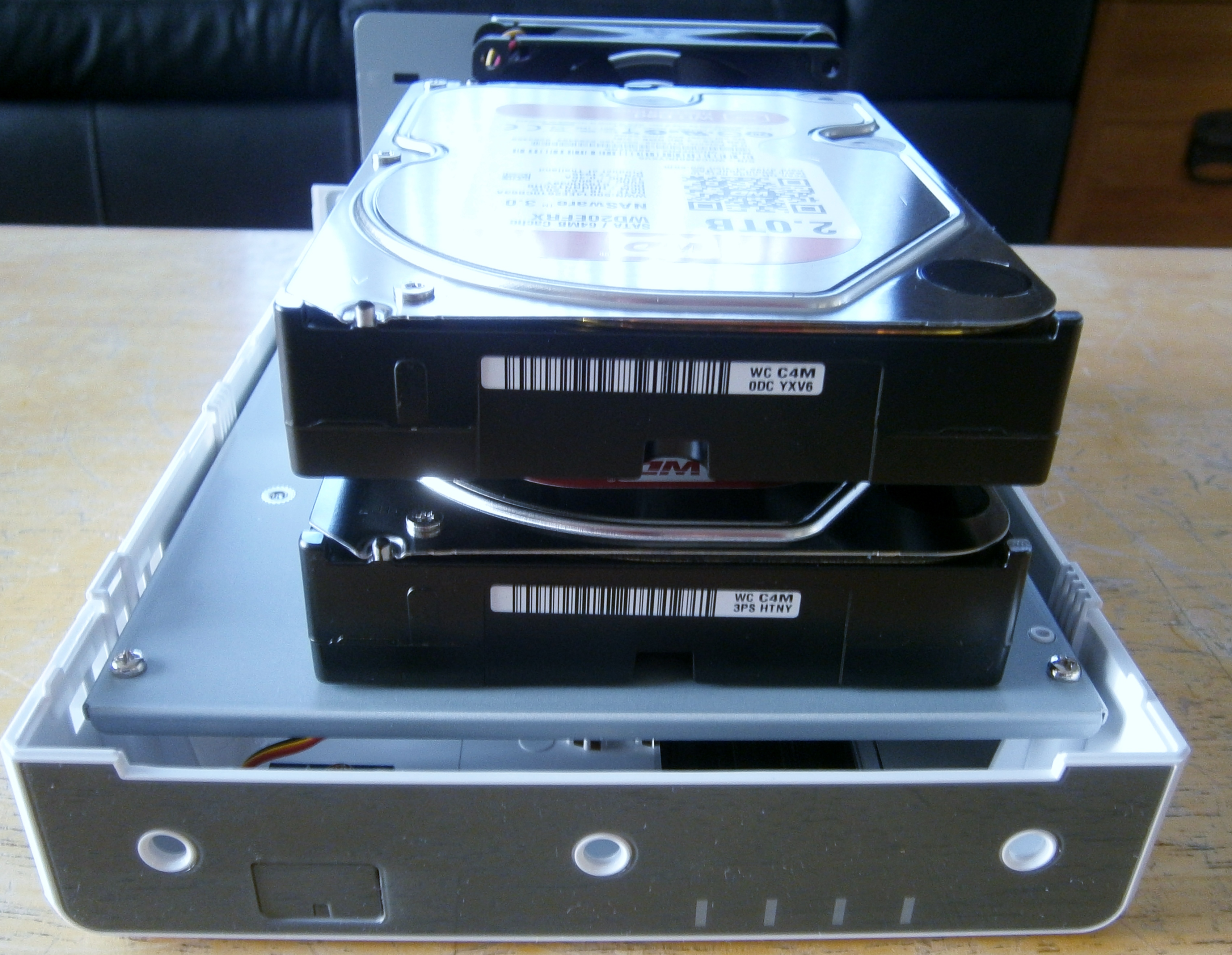
From the pictures below you can see it is easy to assembly and I have put into two Western Digital 2TB Red Drives.
The most impressive thing is when you switch it on how incredibly easy it is to set up. If only Windows was as easy to setup and then use one setup. It is all driven by DiskStation Manager (DSM) which has a very intuitive interface.
Back to the point of switching on the setup Wizard could not be simpler. It sets up the default which is Synology Hybrid RAID the net effect is I have a single volume of approx 2TB in size.
I knew and I was told in lots of places but the downside to the DS214se is it simply does not have a lot of processing power. This does seem to affect the user interface which is very snappy but when you try and shift around some bigish files ie. 80Gb files it is very slow. Example operation is copying to connected External Drive takes hours. This not necessarily a problem as you can schedule it in but it does make rapid backup not really an option. The speed of my Ethernet connections and Router a probably also contributory factors.
1. Installing the hard drives below was simply a matter of pushing them in and then holding in place with screws :-
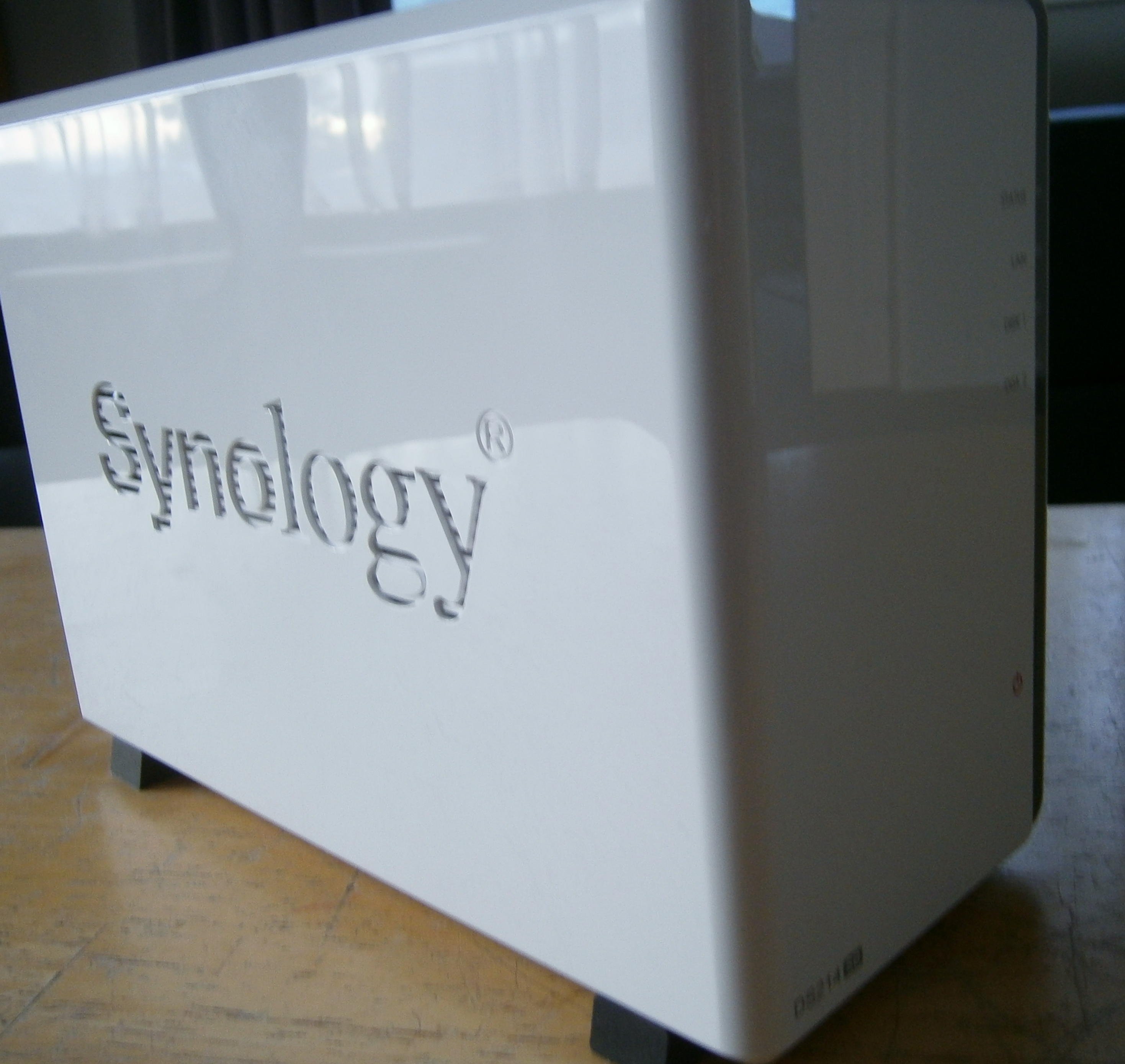
2. This is what the final unit looks like :-
My current computer backup method is OK but it is very manual with lots of steps. inevitably this leads to infrequent backups which defeats the purpose.
In not particular order what I am I trying to achieve
- Off site storage which is secure. This naturally goes together that if you are storing something off site then you want it to be secure. Instead of secure storage I am opting for the data to be encrypted
- Automating is the biggest part I am missing now, having to remember and plug in external drives and start and stop and are all hurdles
- Frequency because you never know when something will happen. Not necessarily a disaster but a file that was over-written by accident that you quickly want to go back to last version.
What got me reignited with taking action was the mundane Windows updates that are all to regular. One recently went wrong and eventually by selecting various recovery options I got the PC working again but then I realised the last image backup was months old.
So the plan involves :-
Synology NAS DS214se
There is a very good review here but it ended up being a simple choice as Synology is the clear leader and this is their cheapest offering
Acronis True Image 2013
I already have a Family Licence (3 PC’s) so it is logical to keep using. So far I have failed to use nearly enough features offered. Particularly going forward the fact that can encrypt the Image files is a simply way compared to True Crypt of securing the archives
EaseUS Todo Backup Free
The appeal of this is the Free part. In fairness I have not yet had to try the restore but it is very similar to Acronis True Image and does have an easier to use interface in quite a few areas. I looked again at the Top 10 Backup Reviews and it comes close enough. As I have 4 PC’s this is handy on the least critical PC.
Crashplan
Crashplan gets very positive reviews and the continuous file backup is the big plus over what I have now. Acronis True Image does support this but not as comprehensively as Crashplan. Always keeping deleted files as a big overhead but I can see it being handy.
Using it with a NAS is the plan and there is “not fully supported” method to overcome the limitation of Crashplan not saving to mapped file shares in Windows.
External Drives
I was looking at the Western Digital Ultra range as they have built in hardware encryption. However the issue here is plugging in the External Drive to the NAS as it would not be running the PC client software. One obvious answer is to plug the External Drive into a PC and then use the PC as a transfer device between the NAS and the External Drive. However this is hard to automate. so in the end the plan is to have 1 TB External Drives with no encryption and then transfer the encrypted Acronis images and Crashplan data which is encrypted by default.
For offsite storage have two External Drives one plugged into the NAS and one off site and swap them over about weekly.
Email Backups
Backing up the Email Client files using Crashplan would seem to be problematic since they are alway s changing.
I currently use Thunderbird so that is better than Windows Mail which had thousands of small files with one file per email item.
Since I already use FolderClone it makes sense to keep using that to keep copying the Email Backups to the NAS Server and rely on the Image Backups for the offsite backups. With Email we have 14 days stored on the Server so it stays in both places for a while.
Longer term MailStore Home could be a good option.
The Big Plan
“In preparing for battle I have always found that plans are useless, but planning is indispensable.”
Dwight D. Eisenhower
The relevance of this quote is that I don’t know exactly how it will all work together but it will be a matter of finding how more about the Synology capablity as I built it up and read more about all the features.
I have ideas of creating a Unix like structure of :-
/pub – Backups of videos that I own that don’t need to be secure. I would not want to loose them but they are replaceable by buying another copy from somewhere
/bu – Everything that is backed up of the NAS and on to the External Drives
/bu/pub – Backed up but not sensitive information at all. Things that I have downloaded and want to keep but do not need to be encrypted
Beyond that I shall see how it goes.
Hello from Christchurch, New Zealand
If you would like to contact please leave a comment below. I won’t publish it but will get back to you on the email supplied thanks.
Norman Close
 Norman Close