
I am not going to write that much about my new Synology DS214se NAS as it reviewed comprehensively elsewhere but mainly to point at some highlights.
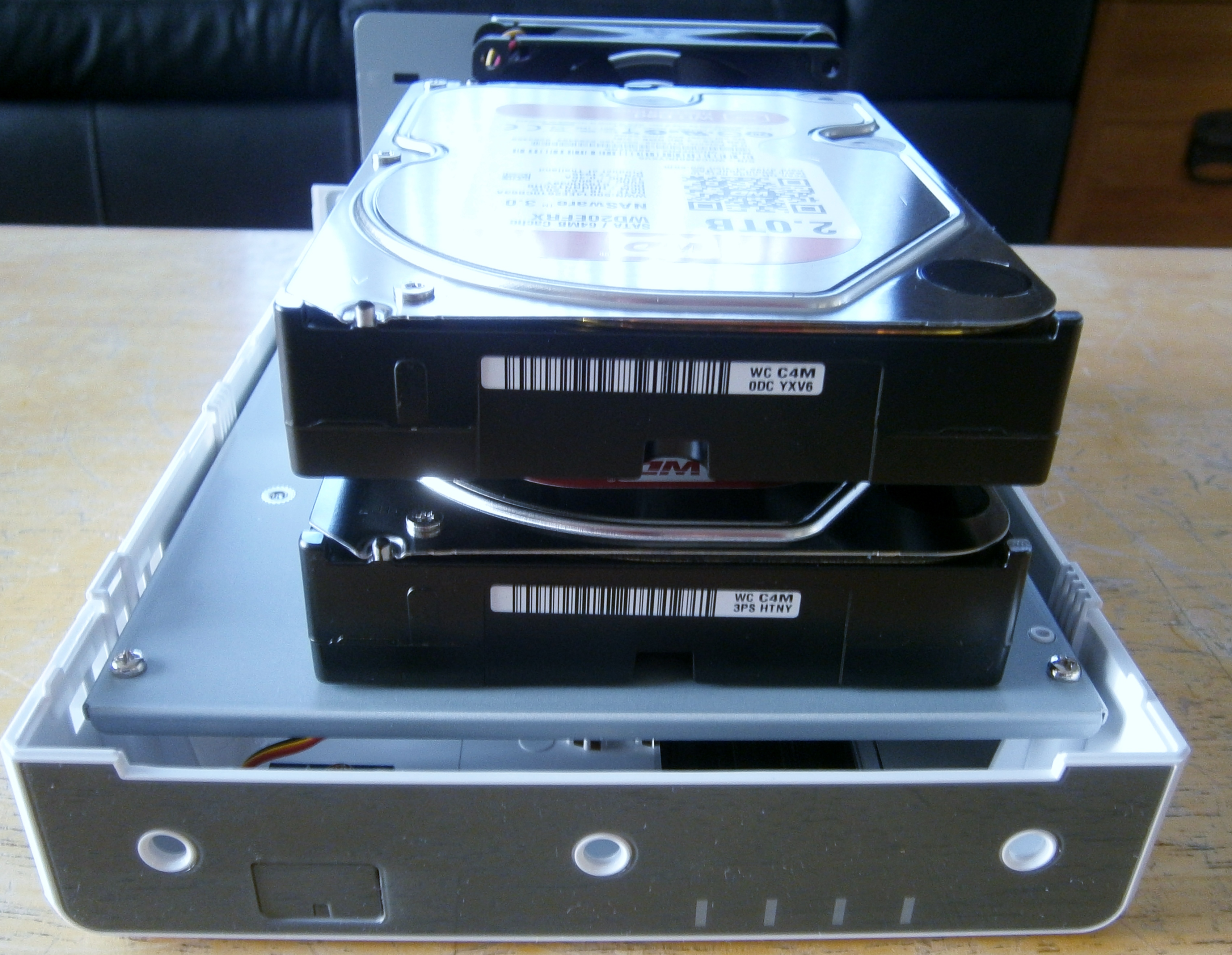
From the pictures below you can see it is easy to assembly and I have put into two Western Digital 2TB Red Drives.
The most impressive thing is when you switch it on how incredibly easy it is to set up. If only Windows was as easy to setup and then use one setup. It is all driven by DiskStation Manager (DSM) which has a very intuitive interface.
Back to the point of switching on the setup Wizard could not be simpler. It sets up the default which is Synology Hybrid RAID the net effect is I have a single volume of approx 2TB in size.
I knew and I was told in lots of places but the downside to the DS214se is it simply does not have a lot of processing power. This does seem to affect the user interface which is very snappy but when you try and shift around some bigish files ie. 80Gb files it is very slow. Example operation is copying to connected External Drive takes hours. This not necessarily a problem as you can schedule it in but it does make rapid backup not really an option. The speed of my Ethernet connections and Router a probably also contributory factors.
1. Installing the hard drives below was simply a matter of pushing them in and then holding in place with screws :-
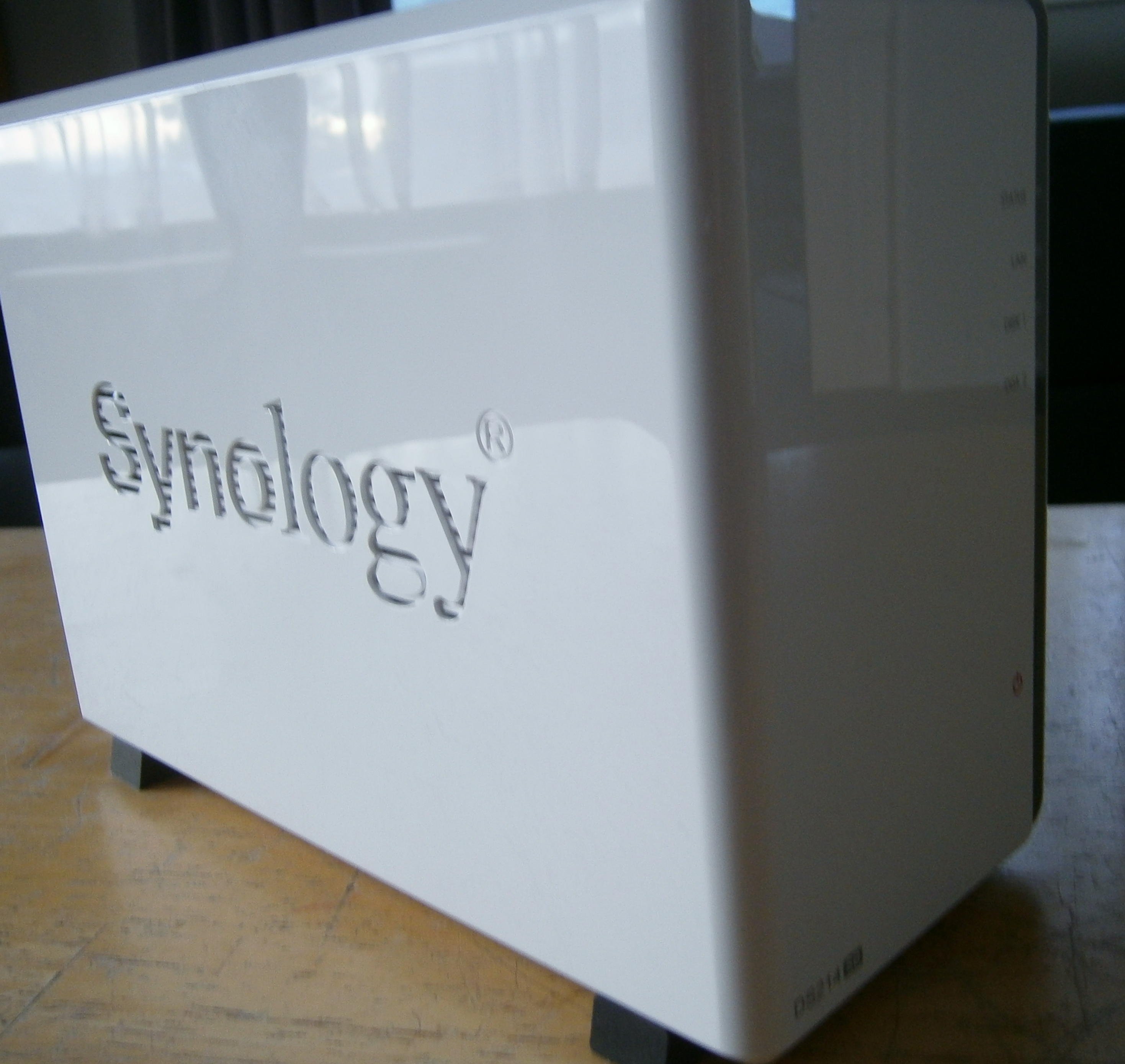
2. This is what the final unit looks like :-
 Norman Close
Leave a comment
Comments feed for this article